
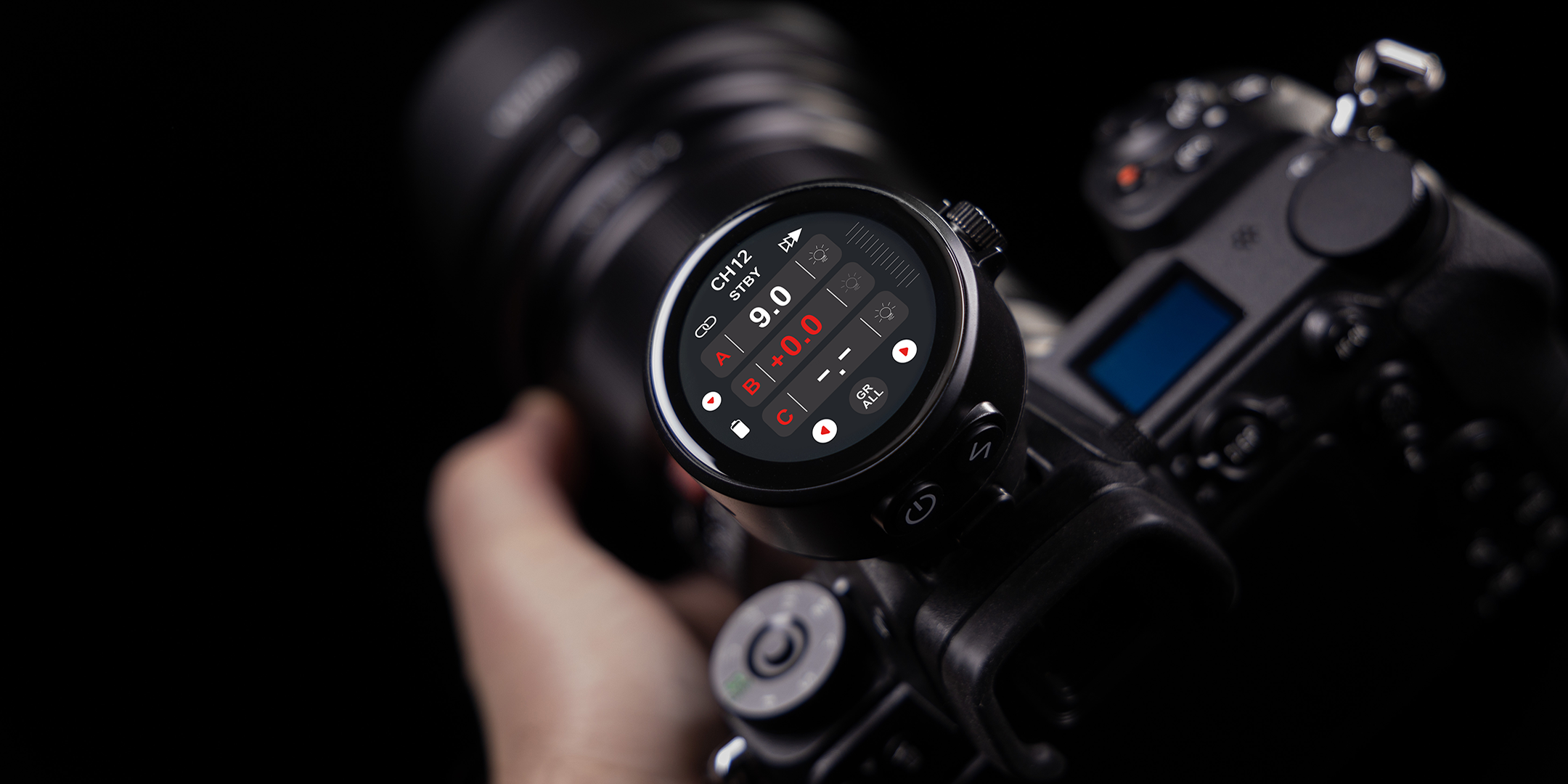
New Power for Old Flashes – the TR-Q8 Update Makes it Possible
With the new firmware update, your TR-Q8 wireless transmitter becomes even more versatile:
It is now also compatible with older Rollei Freeze flash units like the Freeze 4 or Freeze 6.
✅ Easy to install – no additional hardware required.
Download Area – Select Your Model
🔸 TR-Q8 Sony
Firmware Version: 1.3
Installation Notes:
- For all TR-Q8 transmitters with Sony camera connection
- Compatible with new and old Rollei Freeze flashes
- Boost/Normal mode available after update (see below)
Changelog:
- Added support for Freeze 4 & Freeze 6
- Added "Mode Selection" menu item
- Stability optimizations for triggering
🔸 TR-Q8 Universal
Firmware Version: 1.3
Installation Notes:
- For all TR-Q8 transmitters with universal connection (e.g., Canon, Nikon, Fuji, etc.)
- Now also supports older Freeze devices
- No additional software required
Changelog:
- New compatibility with older flash generations
- Added "Boost / Normal" menu item
- Improved automatic drive detection
- Bug fixes in power management
Updates for Your Freeze Flashes
In addition to the TR-Q8 update, there are also new firmware versions for the Freeze 2X, 4X, and 6X flashes.
Please refer to the respective changelogs:
Changelog for Freeze 2X:
- Canon camera protocol optimized (improved compatibility with Canon cameras).
- AU function (Auto CH Sync) optimized, now with memory function after power off.
- User interface revised: Power range extended from 9 to 10 steps (2.0–10.0); Auto-Sync interface fine-tuned; cyclic power adjustment added.
- Compatibility with trigger's TCM values: Automatic transfer of TCM value when switching from TTL to manual mode.
Changelog for Freeze 4X & 6X:
- Canon camera protocol optimized (improved compatibility with Canon cameras).
- Screensaver function added (activates after 1 minute of inactivity).
- AU function (Auto CH Sync) optimized, now with memory function after power off.
- User interface revised: Power range extended from 9 to 10 steps (2.0–10.0); Stroboscopic settings moved to Menu 4; AU-Flash animation added; cyclic power adjustment added.
- Compatibility with trigger's TCM values: Automatic transfer of TCM value when switching from TTL to manual mode.
How to Perform the Firmware Update – In 3 Easy Steps
1. Connect TR-Q8
Connect the TR-Q8 to your computer via USB cable. The transmitter will automatically appear as an external drive.

2. Download Firmware
Download the appropriate firmware file for your model from above. Make sure to select the correct version (Sony or Universal).

3. Copy File
Copy the file directly to the TR-Q8 drive. The update starts automatically – no software is needed.

New Function in the Menu: Boost or Normal Mode
After successful installation, you will find two new settings in the menu of your TR-Q8:
🟠 Boost Mode
For newer Rollei Freeze flashes (from approx. year of manufacture 2021)
→ Higher range & short charging times

⚪ Normal Mode
For older flashes like Freeze 4 or Freeze 6
→ Optimal compatibility & reliable triggering

💡 Tip: Select the mode appropriate for your flash unit to avoid misfires.
Frequently Asked Questions (FAQ)
🔌 The TR-Q8 is not recognized as a drive
→ Use a different USB cable or try a different USB port on your PC.
📂 Do I need to unzip the file?
→ No, simply copy the unzipped .bin file directly to the TR-Q8 drive.
📸 I'm unsure which model I have – what should I do?
→ Check your transmitter's connection or camera model. If you have questions, support can help.



Share:
Magical Lighting in the Canyon – with Rollei LUX Lamps
Firmware Update for Your Rollei Autofocus Lens