


Highlights

Light redefined.

Without limits.

via Smartphone App

Performance that convinces.

Cordless operation
Candela 220 RGB
220 Watt Power: Stepless brightness control from 0 - 100%
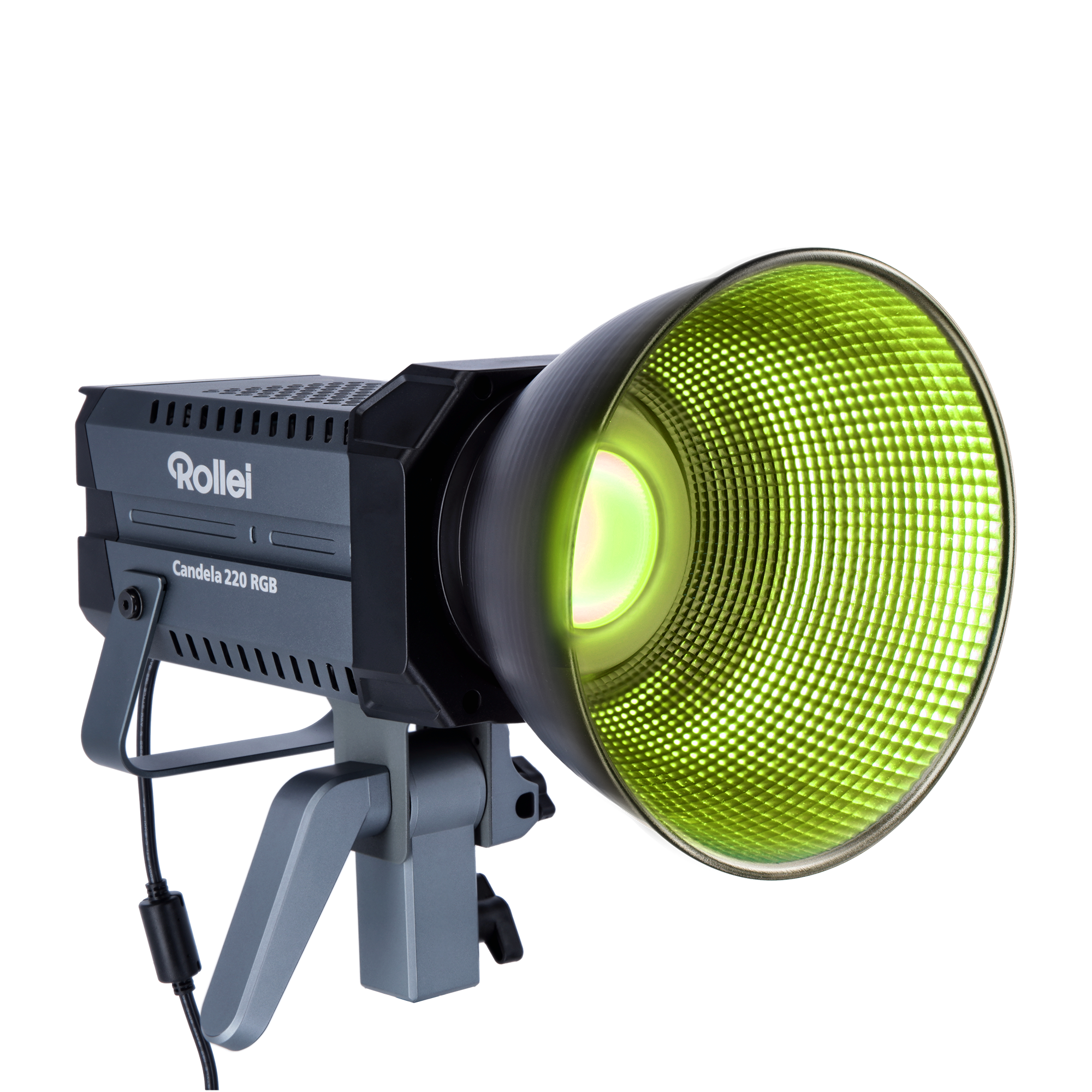
RGB and Bi-Color: 360 RGB colors and variable color temperature
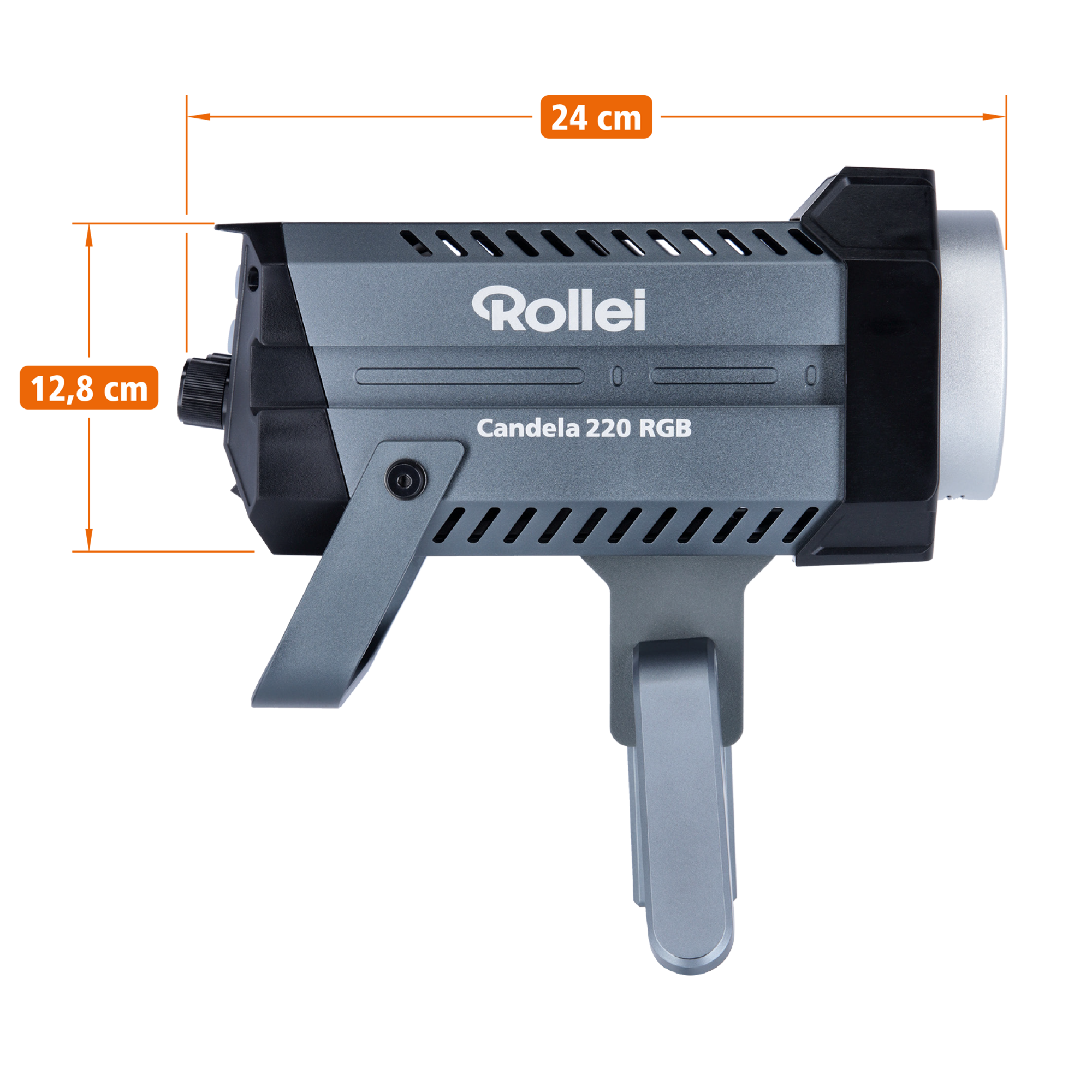
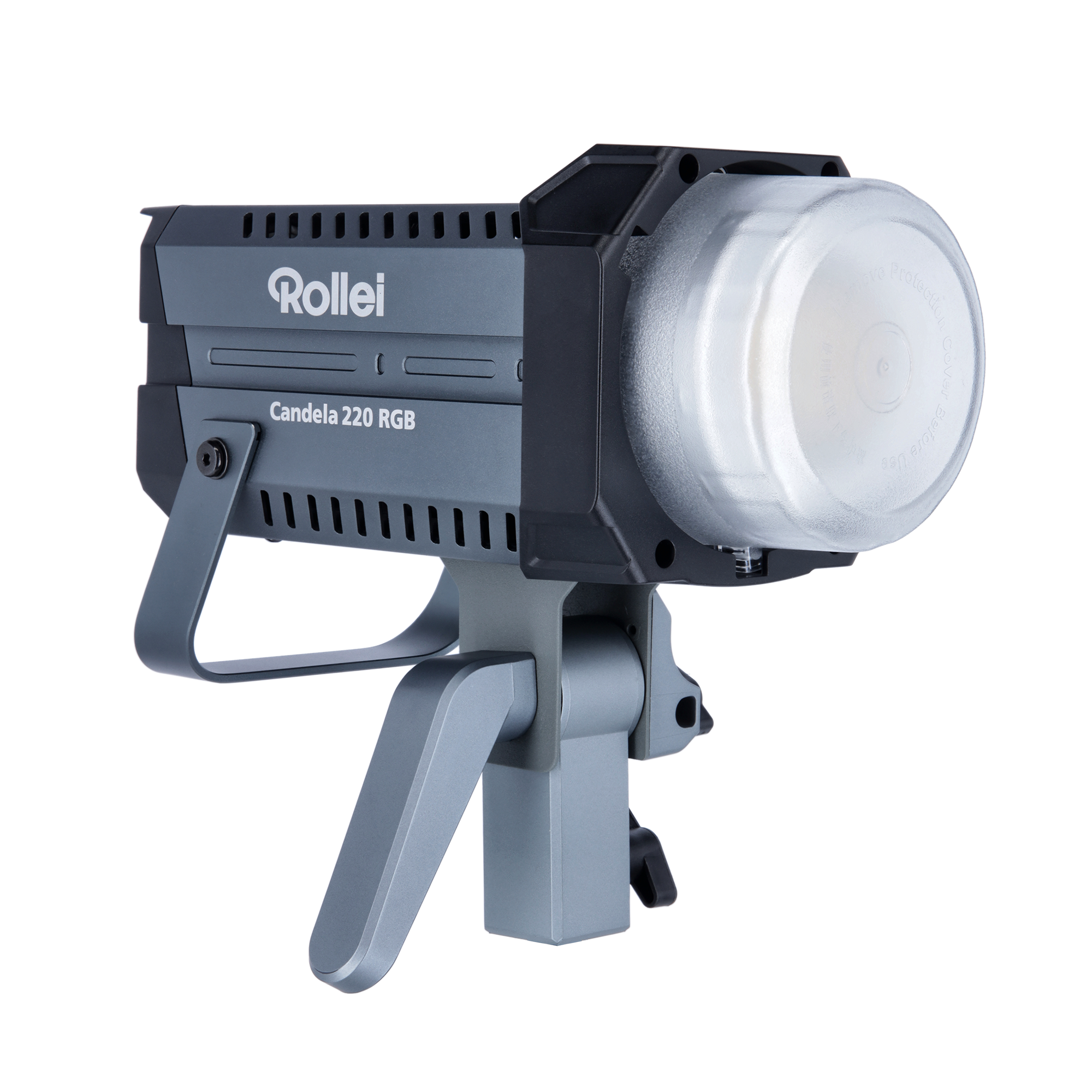
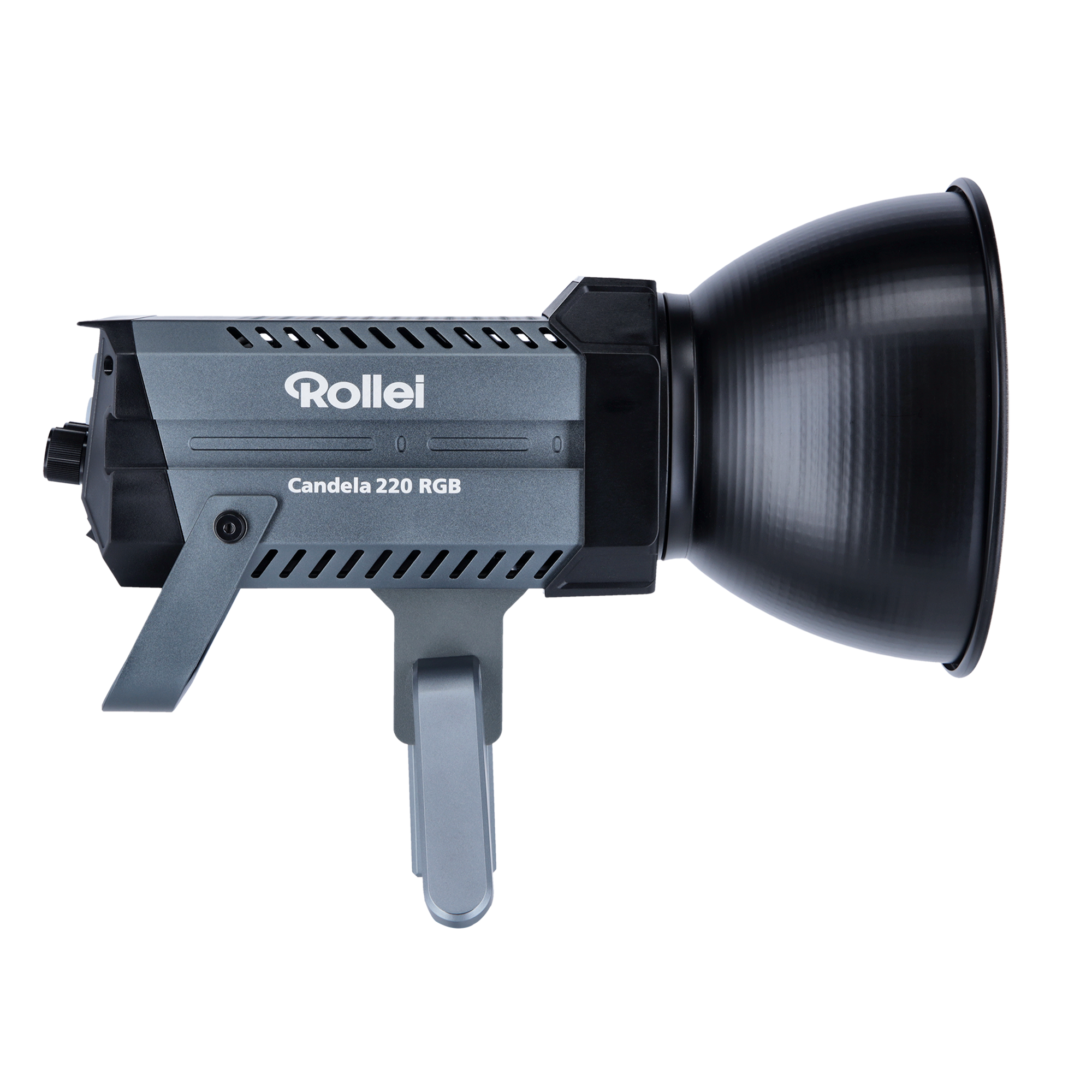
Ultra-compact & lightweight: Only 24 x 12.8 x 21.9 cm and 1.6 kg
Dual Power Supply: Battery or Mains Operation
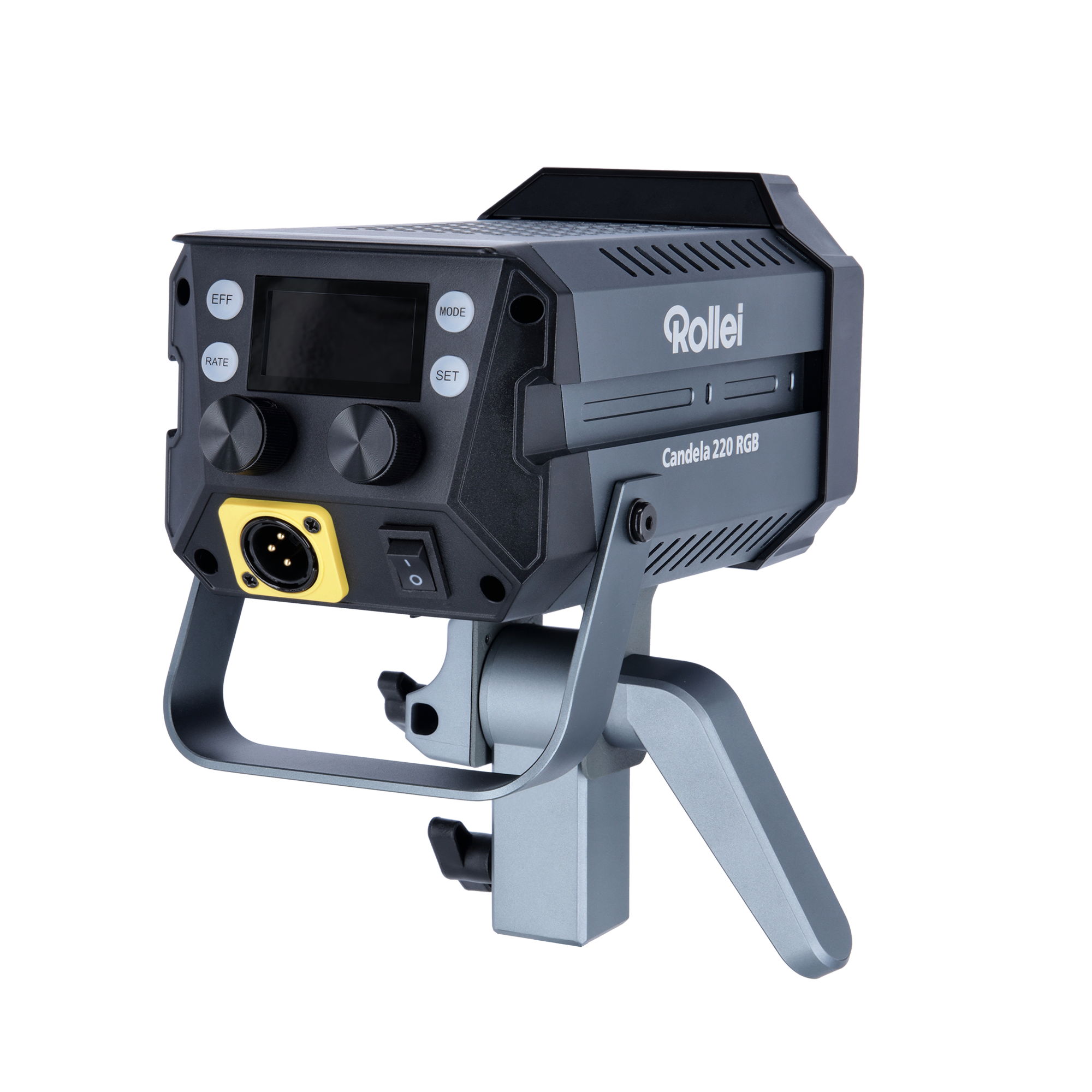
Smart control: control via app or separate remote control
Highlights
Light redefined.
Without limits.
via Smartphone App
Performance that convinces.
Cordless operation
Meaningful upgrades
Delivery within 2-3 business days
Free shipping from €100 ¹
Free returns within 14 days.²
2-year replacement warranty³
Candela 220 RGB
If you have any questions, you are always welcome to contact us. We'll get back to you as soon as possible, within 24 hours on weekdays.
-
Shipping Information
Use this text to answer questions in as much detail as possible for your customers.
-
Customer Support
Use this text to answer questions in as much detail as possible for your customers.
-
FAQs
Use this text to answer questions in as much detail as possible for your customers.
-
Contact Us
Use this text to answer questions in as much detail as possible for your customers.

Candela 220 RGB – Compact Continuous Light with 360 RGB Colors and Variable Color Temperature
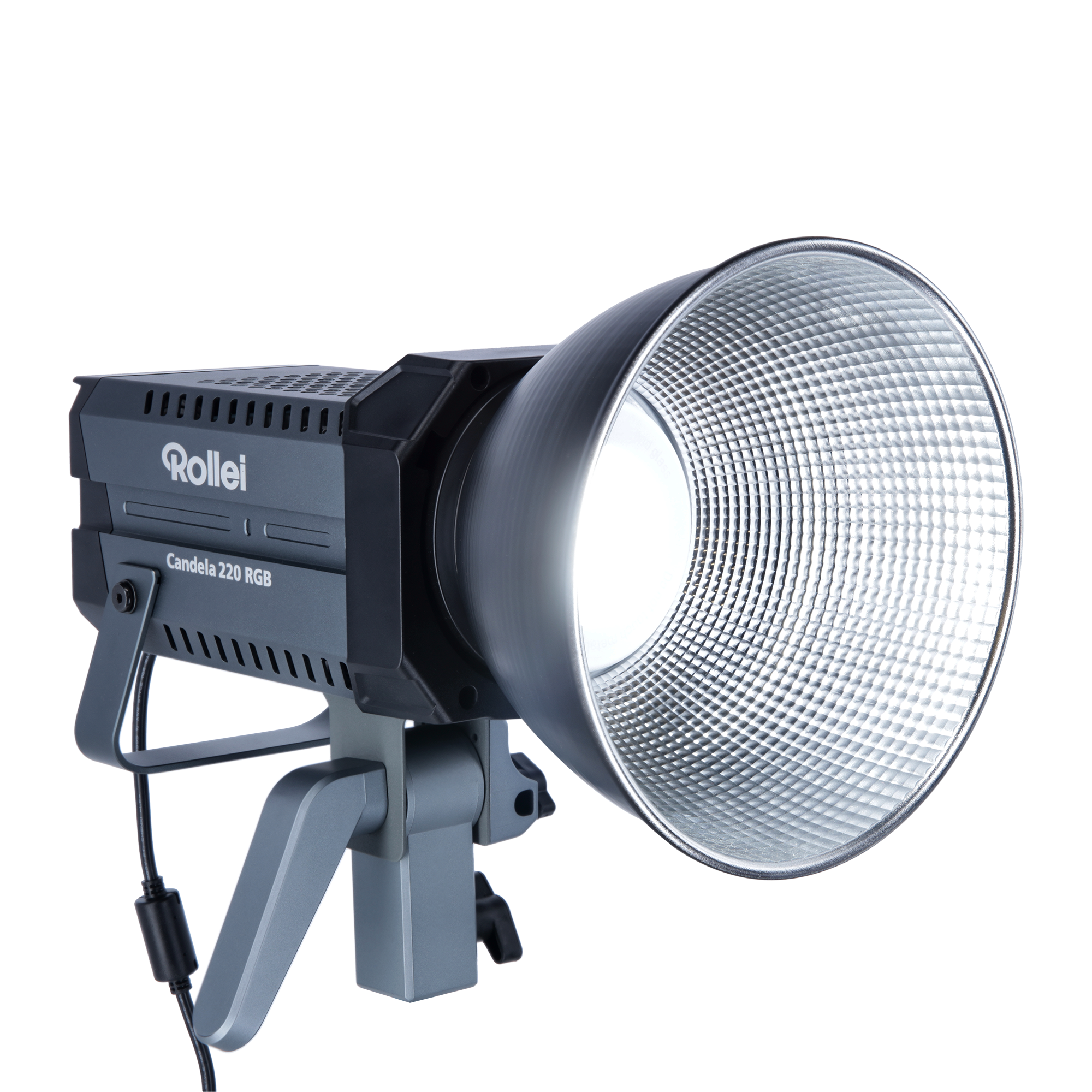
Discover the radiant versatility of the Candela 220 RGB, an LED continuous light that revolutionizes lighting in your photography and video production with its power and flexibility. Whether in the studio or on the go, the Candela 220 RGB is the perfect solution for anyone who values quality and versatility.

220 Watts of Power: Stepless Brightness Control from 0 to 100%
The impressive 220 watts of power make the Candela 220 RGB the powerhouse of your lighting equipment. With stepless brightness control between 0 and 100 percent, you enjoy maximum flexibility in illuminating your photo and video projects. Easily achieve the desired atmosphere.

RGB and Bi-Color: 360 RGB Colors and Color Temperature from 2,700 - 6,500 K
With 360 selectable RGB colors and an adjustable color temperature between 2,700 and 6,500 Kelvin, the Candela 220 RGB offers unlimited creative possibilities. Design every scene with precise color tones and smooth transitions between warm and cool light moods.

Ultra-compact & lightweight: Only 24 x 12.8 x 21.9 cm and 1.6 kg
The Candela 220 RGB proves that great performance doesn't have to take up much space. With its compact dimensions of only 24 x 12.8 x 21.9 centimeters and a weight of just 1.6 kilograms, it is ideal for creatives who are looking for a light yet powerful light that can also be taken anywhere.

Dual Power Supply: Battery or Mains Operation
Maximum flexibility in power supply – that's what the Candela 220 RGB offers. Use battery operation for outdoor shots by connecting a V-mount battery to the light via the V-mount adapter for Candela 220/330 (not included) (note: the Candela 220 RGB can achieve half power with a 14.8 - 16.8 V V-mount battery and full power with a 26.8 - 33 V V-mount battery). Or simply connect the light to the mains for longer studio sessions. This way you are prepared for all situations.

Smart Control: Control via iOS App or separate Remote Control
The Candela 220 RGB can be controlled effortlessly via app or separately available remote control. Pair it with other lights to easily manage complex lighting setups. This smart control saves time and allows you to concentrate on the essentials: your creativity.

Color selection from photos: Revolutionary Color Picker of the Candela LED App
The Color Picker function of the Candela LED App is an innovative technology that allows users to individually adjust the color of their Candela RGB continuous light. With the Color Picker, the user can choose a specific color from a wide spectrum, be it for decorative purposes, to create a certain atmosphere, or even to match the colors of an image or video. The operation is intuitive: In the app, a color palette or color wheel is displayed from which the user can select the desired color by simply tapping or dragging. In addition, the Color Picker allows colors to be extracted from a photo, which are then imitated by the RGB lights. This enables exceptional personalization and can completely transform the mood or theme of a room.

Quick and Easy Mounting: Bowens Mount for Using Light Modifiers
Thanks to the Bowens mount, you can quickly and easily attach a variety of light modifiers to the Candela 220 RGB. The quick and easy mounting allows you to perfectly shape the light without much effort.

Ultra-quiet Active Cooling: No Interference with Audio Recordings
Active cooling that doesn't disturb your audio recordings? The Candela 220 RGB makes it possible. The ultra-quiet cooling keeps the light cool even during long uses, without you having to worry about background noise.

Versatile Lighting Effects: 13 Pre-programmed Settings
Create dynamic scenes with 13 pre-programmed lighting effects. Whether flickering fire, police cars, or a gentle sunset – the Candela 220 RGB provides dramatic effects and gives your production that certain something.
Easily Combinable: Coupling of Multiple Candela Lights
Expand your lighting setup with additional Candela lights, which can be easily connected to each other via connection rails on the housing. Simply use the connecting rail for Candela 220/330 included with the light, as well as the additionally available clamp for Candela 220/330. This creates a uniform lighting experience that can be adjusted entirely to your wishes.
High Color Fidelity: CRI of 97 and TLCI of 98 for Authentic Color
The Candela 220 RGB stands for excellent color accuracy with a CRI of 97 and a TLCI of 98. Rely on authentic color reproduction that emphasizes the natural character of your scenes and shows your work in the best light.


Note:
For attaching multiple Candela 220 or 330 Bi-Color to each other, the connecting rail for Candela 220/330 (included in delivery) as well as the clamp for Candela 220/330 (not included in delivery) are required.
Technical Data
| Number of LEDs | 1 (COB LED) |
| Power | 220.0 W |
| (EU 2017/1369) | G |
| EU energy efficiency class spectrum (EU 2017/1369) | A - G |
| Color temperature | 2,700 - 6,500 K |
| Color Rendering Index (CRI) | 97+ |
| Television Lighting Consistency Index (TLCI) | 98+ |
| TN-30-18 | Rf 93 / Rg 103 |
| Power control | 0 - 100% in 1% or 10% increments |
| Illuminance | Without reflector: |
| 3,200 K | 24,400 lux (0.5 m), 6,310 lux (1 m), 2,960 lux (1.5 m) |
| 4,500 K | 26,900 lux (0.5 m), 6,990 lux (1 m), 3,240 lux (1.5 m) |
| 5,500 K | 28,000 lux (0.5 m), 7,270 lux (1 m), 3,440 lux (1.5 m) |
| Beam angle | COB continuous light: 120 ° |
| Flicker-free | up to 240 fps |
| Effects | 13 |
| Bowens S-Type mount | Yes |
| Remote control | Remote control (sold separately) |
| Frequency band | 2,400 - 2,480 GHz |
| Maximum transmit power | 10 dBm |
| Fan noise level | 28 dBA (100% brightness, 1 m) |
| Power supply | Via Rollei AC/DC Adapter for Candela 220 RGB, Input: AC 100 – 240 V / 4.0 A, 50/60 Hz, Output: DC 48.0 V / 5.2 A |
| Note | The Candela 220 RGB can achieve half power with a 14.8 - 16.8 V V-Mount battery and full power with a 26.8 - 33 V V-Mount battery. |
| Input | DC 48.0 V / 5.2 A |
| Rated input power | 250.0 W |
| Connections | 2 recessed guide rails (Nato standard), XLR input |
| Tripod mount with tilt head | Spigot mount |
| Dimensions (L x W x H) | 24 x 12.8 x 21.9 cm |
| Weight | 1.6 kg |
Compatibility
Scope of delivery
Downloads
All available downloads for this product can be found in our download center.
There you will find operating instructions (BDA), firmware updates, software, drivers, and other product-related files.
👉 To the download center:
https://downloads.rollei.de
Please simply select your product there to access all current files.
Special Notes
GPSR, Regulation (EU) 2023/988)
Everything you need to know.
Answers at a glance.
Here you can find the most common questions about Candela 220 RGB. If anything remains unclear, our support team will be happy to help you.